
You're in. Welcome to the PaapiPlugin affiliate programme
This page covers how you get paid, what to say about PaapiPlugin, the product facts to get right, the banners, logos and screenshots you can use, and the programme rules. Keep it open while you write.
How it works
You tell your audience about PaapiPlugin. When someone you refer becomes a new customer, you earn 30% of their first purchase.
Your referral link and stats
Your referral link and your stats are in your Freemius affiliate dashboard. Freemius, our checkout platform, provides the tracking, your referral link and the stats dashboard. We send you dashboard access when you're approved. If it hasn't reached you, email support@paapiplugin.com.
Your personal discount code
Ask us for a personal discount code at support@paapiplugin.com. Sales that use your code are credited to you even if the buyer never clicked your link. That helps in videos, podcasts and newsletters, where a code you say or print is easier to pass on than a link.
What you earn
30% of a new customer's first purchase, on Premium and on each optional add-on. Renewals earn no commission.
| What you sell | Customer pays | You earn (30% of first purchase) |
|---|---|---|
| Premium, Personal plan | $39/yr | $11.70 |
| Premium, Professional plan | $69/yr | $20.70 |
| Premium, Agency plan | $99/yr | $29.70 |
| Each add-on | $19/yr | $5.70 |
The figures above use list prices. Freemius calculates commission after refunds, discounts, coupons and taxes, so a discounted sale earns less than the table shows. That includes sales made with your discount code.
Tracking and payouts
- Cookie
- 30 days from the click on your referral link
- Attribution
- first click. The first affiliate link the buyer clicked gets the sale.
- Pending period
- referrals stay pending for 30 days. A refund in that window cancels the commission.
- Payouts
- monthly by PayPal once your balance reaches $100 USD
Where to send people
Use your referral link whenever you link to paapiplugin.com, for example the pricing page or the live demo. You can also link the free version on WordPress.org so readers can try it first. Only a click on your referral link starts the 30-day cookie, so put your link or your discount code wherever you mention PaapiPlugin.
What to say
These are starting points. Put them in your own voice and keep what fits your audience.
The one-line pitch
PaapiPlugin adds Amazon product boxes, comparison tables and live Amazon search to WordPress, and every click carries your Amazon Associate ID.
A short paragraph you can adapt
If you run an Amazon affiliate site on WordPress, PaapiPlugin handles the product displays you already use, with product boxes and comparison tables, and adds a live Amazon search box to your own pages. A reader who wants a different model from the one you reviewed can search for it right there, and the click still carries your Associate ID. The free version on WordPress.org is a working plugin, not a trial. Premium starts at $39 a year, and the Product Boxes and Comparison Tables add-ons cost $19 a year each on top of Premium.
Four angles to try
1. Comparison content
Example headline: "AAWP vs PaapiPlugin: Which Amazon affiliate plugin earns more commissions?"
Opening snippet:
"Most Amazon affiliate WordPress plugins do the same thing: display the product you tell them to display. AAWP, Lasso, AmaLinks Pro, Content Egg Pro all share that limitation. PaapiPlugin covers the display side too, with product boxes and comparison tables, and then adds live search. It lets your visitors search Amazon's full catalog without leaving your site. The math is hard to ignore: a static review page earns one commission. A search page earns on whatever your visitor decides to buy."
Link to or pull screenshots from our comparison pages: AAWP alternative, Lasso alternative, AmaLinks Pro alternative, Content Egg Pro alternative.
Primary CTA: "Try PaapiPlugin free on WordPress.org"
2. Problem-aware tutorials
Example headline: "How to Add Amazon Search to Your WordPress Site (No Code)"
Opening snippet:
"If you run an Amazon affiliate site on WordPress, you've probably noticed: visitors who want to buy something different from what you reviewed leave for amazon.com, and someone else gets the commission. There's a fix. It takes one shortcode."
Walk through:
- Install PaapiPlugin (free, WordPress.org)
- Add Amazon Associate tag
- Drop
[psfa_search]on any page - Show the live demo
- Show how Premium adds full appearance customization
Primary CTA: "Get PaapiPlugin free, then upgrade to Premium when you're ready"
3. Niche-site case studies
Example headline: "I Added Live Amazon Search to My Tech Review Site. Here's What Happened to Conversions."
Opening snippet:
"My tech review site has been ranking for 'best wireless headphones 2026' for two years. The traffic is great. The conversions used to be a mess. Visitors would read the review, decide they wanted to compare other models, and leave for amazon.com to search. I'd lose them every time. Then I added PaapiPlugin's search widget right below the review."
Show: your own before and after numbers, where you placed the search on the page, and screenshots. Use this angle only for a site you actually run, with results you actually saw.
Primary CTA: "See how PaapiPlugin works on the live demo"
4. Agency and client-site content
Example headline: "How I Add Live Amazon Search to Client Affiliate Sites"
Opening snippet:
"If you build WordPress sites for affiliate clients, sooner or later one of them asks whether visitors can search Amazon without leaving the site. PaapiPlugin does that with one shortcode. White-label mode removes the 'Powered by' branding, so the search looks like part of the client's site."
Show: the shortcode going onto a client page, the appearance settings matched to the client's brand, and white-label mode switched on. The Agency plan covers unlimited sites. Pull screenshots from paapiplugin.com/demo/.
Primary CTA: "Start with the free version on WordPress.org, then move client sites to Premium"
See it in action
A quick look at live Amazon search running on a WordPress site. Watch it before you write, and link to it when your audience wants to see the plugin working.
Product facts
Check your content against these. If you want to say something that isn't here, ask us first.
What PaapiPlugin does
PaapiPlugin is a WordPress plugin for Amazon affiliates. It puts Amazon products on a site in three ways: product boxes, comparison tables, and a live Amazon search that visitors use without leaving the page. Every click carries the site owner's Amazon Associate ID, so qualifying purchases earn them commission, including products they never reviewed.
How a site owner sets it up
- Install the free plugin from WordPress.org
- Enter their Amazon Associate tag
- Drop
[psfa_search]on any page - Visitors get full Amazon product search, with every click tagged with the Associate ID
Free version (WordPress.org)
Live search in 5 Amazon categories, 5 pages of results, autocomplete, filters, caching, infinite scroll and a grid layout. It is a working plugin, not a trial, so your readers can watch it run on their own site before they pay for anything.
Premium
- Personal: $39/year for 1 site
- Professional: $69/year for 3 sites
- Agency: $99/year for unlimited sites
Premium unlocks every category your Amazon store offers, results up to Amazon's 10-page ceiling, a list layout, appearance controls (5 base colors, 17 accent colors, 5 card styles, dark mode, border radius and 15 Google Fonts), and white-label mode, which removes the "Powered by" branding for client sites. It is a year-to-year subscription, and customers can cancel anytime.
Add-ons ($19/year each)
Product Boxes, Comparison Tables and Analytics are sold separately. Each one needs an active Premium license, and one purchase covers every site on that license. Analytics keeps its data on the site and uses no cookies.
Who it suits
Amazon affiliates who run WordPress sites: product review sites, niche blogs, and agencies that build affiliate sites for clients.
It isn't a fit for sites that don't earn through Amazon Associates, affiliates who only link to one or two products, or sites in countries where Amazon Associates isn't available, so leave those audiences out of your pitch.
Refund
There is a 7-day money-back guarantee, with conditions. If you mention it, use the exact wording in the programme rules below.
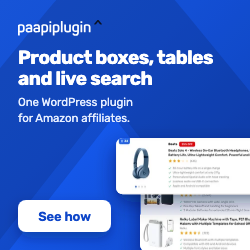
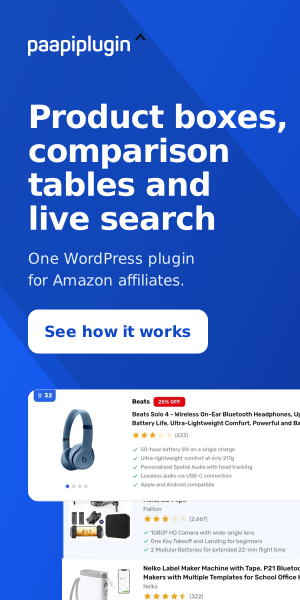
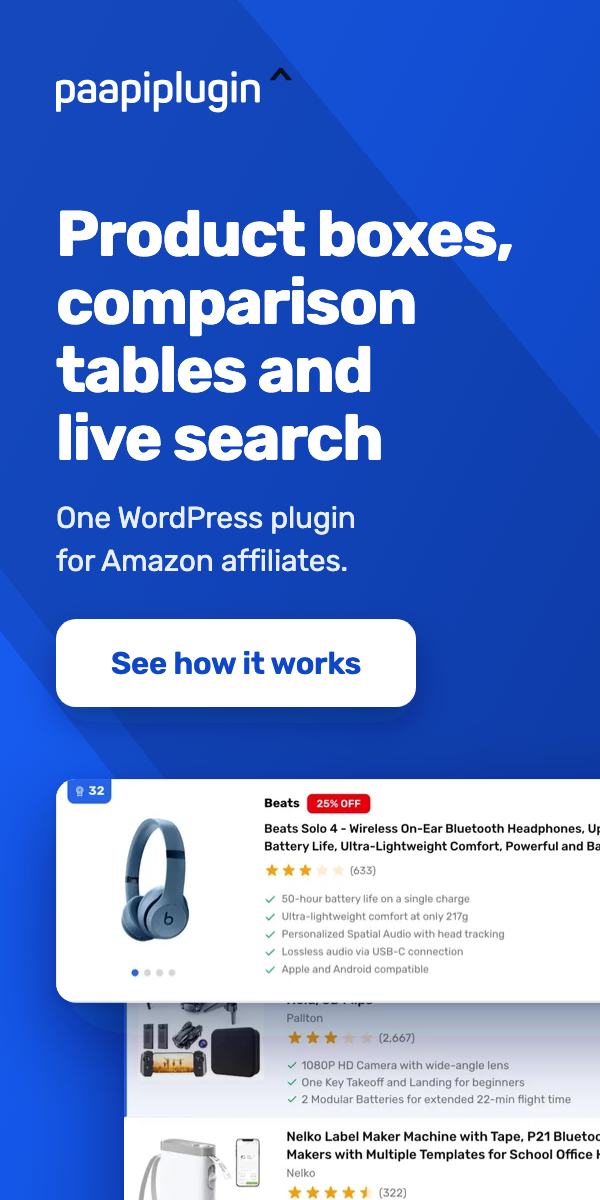
Banners
Standard IAB sizes, each in three designs. Preview them, download the file you want, and wrap it in your referral link so the sale is credited to you.
Live search

728 x 90 Leaderboard
Good for header banners, between-paragraph in-content placements, and end-of-post recommendations on desktop layouts.




468 x 60 Banner
Good for legacy banner spots and footer slots on older WordPress themes; classic full banner size.




320 x 50 Mobile Leaderboard
Good for a mobile header or sticky bottom bar; a small footprint that still earns attention on phones.



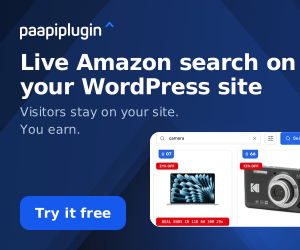
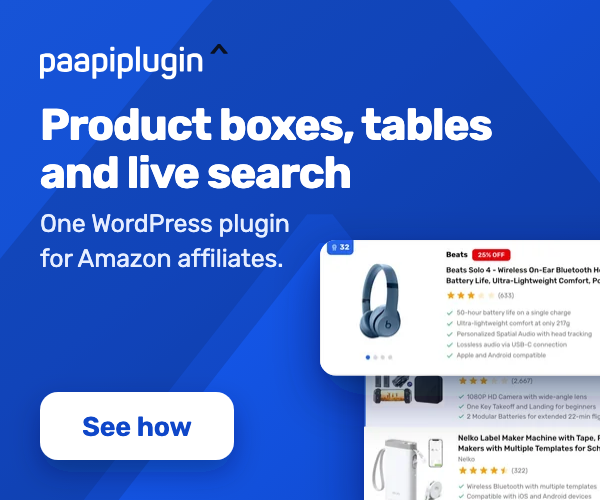
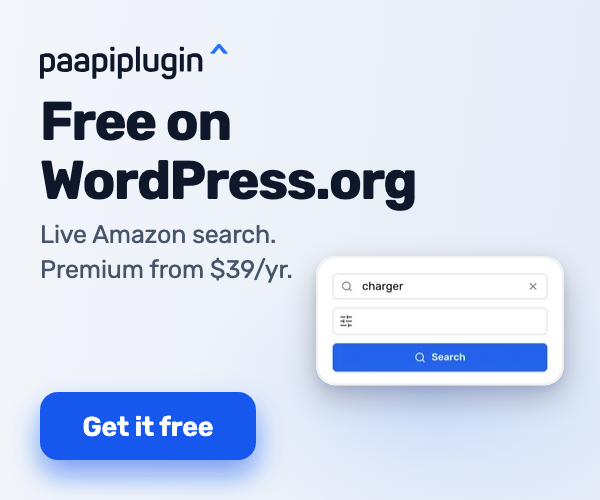
300 x 250 Medium Rectangle
Good for sidebar widgets and mid-article in-content placements.
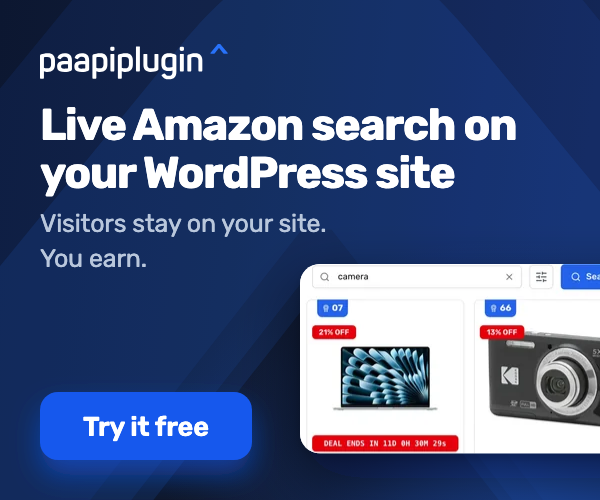
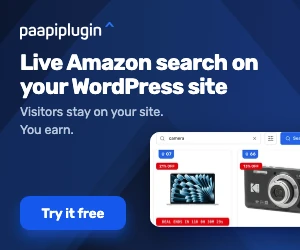

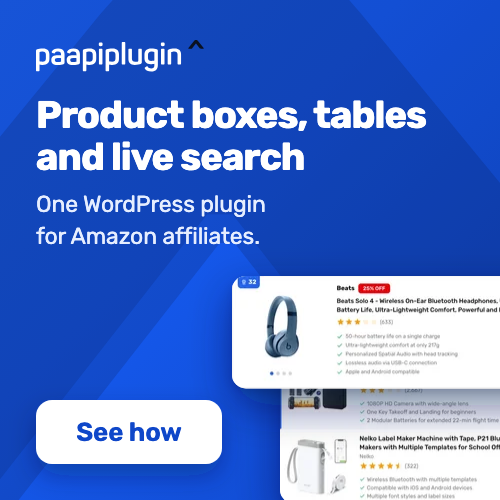
250 x 250 Square
Good for compact sidebars, in-content callouts, and grid placements where height parity matters.
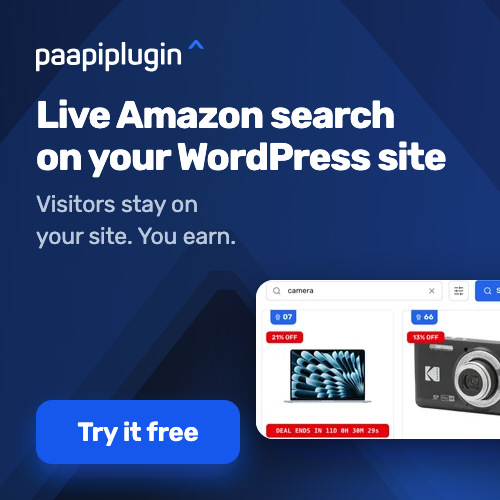
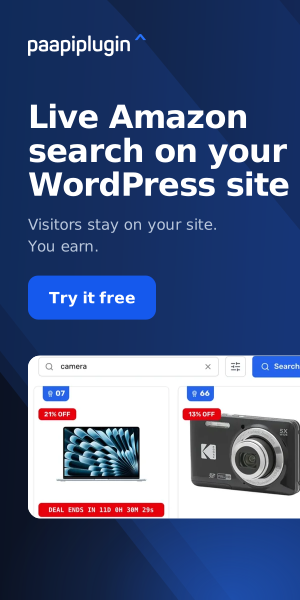
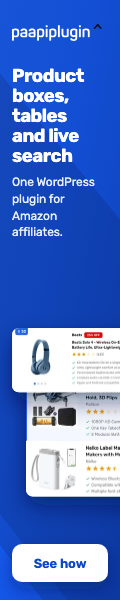
300 x 600 Half Page
Good for high-impact desktop sidebar placements where you have a tall, wide column to fill.
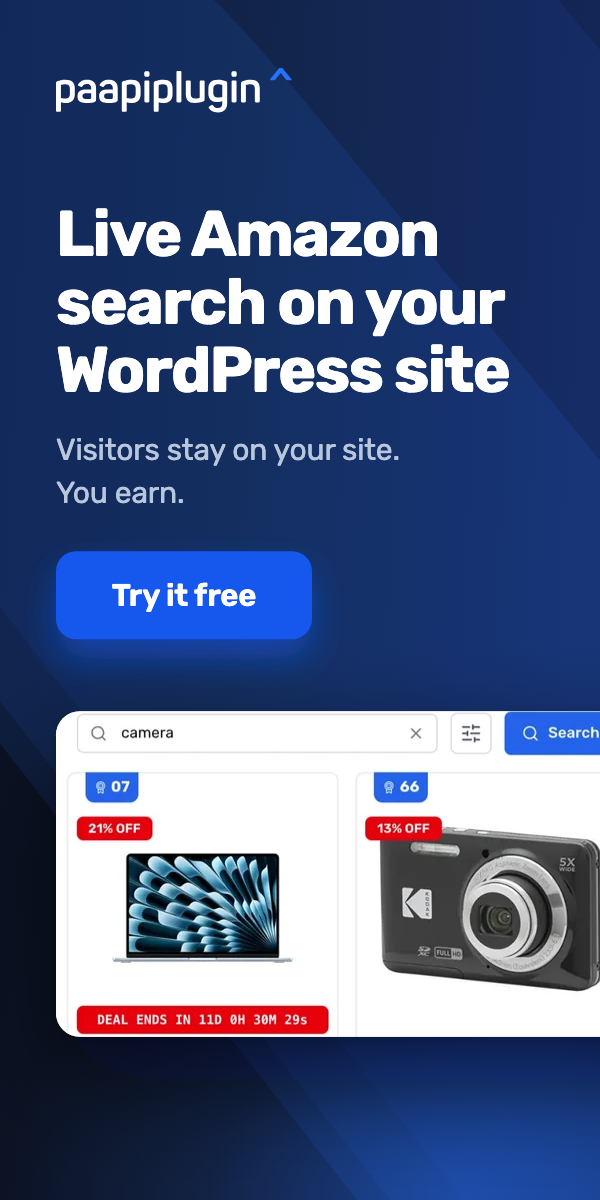
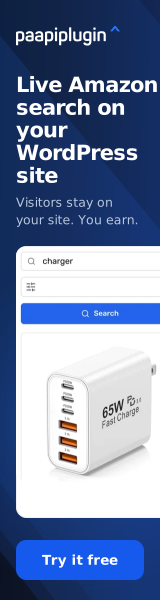
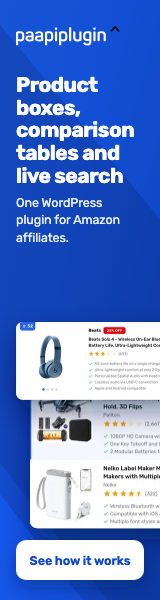
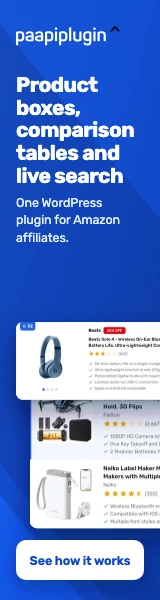
160 x 600 Wide Skyscraper
Good for sticky desktop sidebars where vertical real estate is plentiful and you want the message to follow scroll.
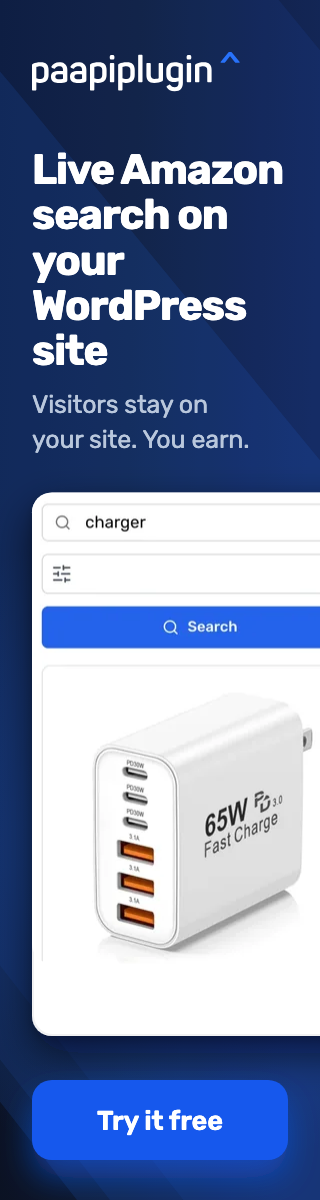
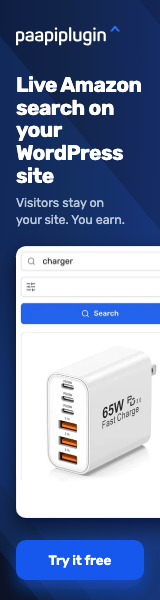


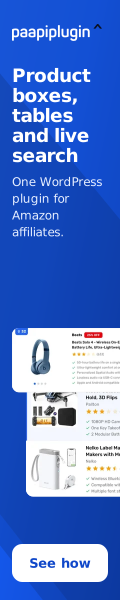
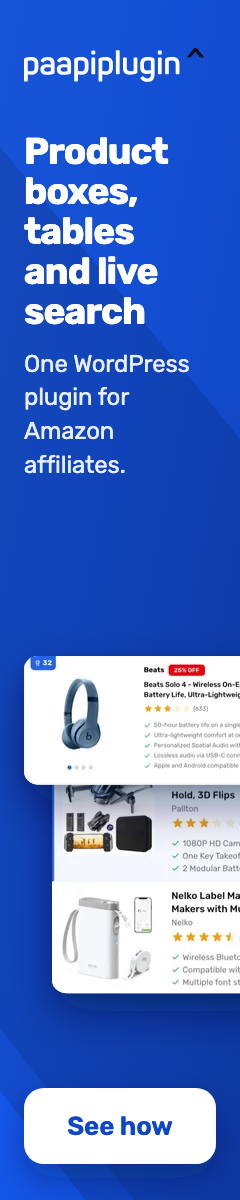
120 x 600 Skyscraper
Good for narrow sidebar columns and tight vertical rails where the wide skyscraper is too wide.



Displays

728 x 90 Leaderboard
Good for header banners, between-paragraph in-content placements, and end-of-post recommendations on desktop layouts.




468 x 60 Banner
Good for legacy banner spots and footer slots on older WordPress themes; classic full banner size.




320 x 50 Mobile Leaderboard
Good for a mobile header or sticky bottom bar; a small footprint that still earns attention on phones.



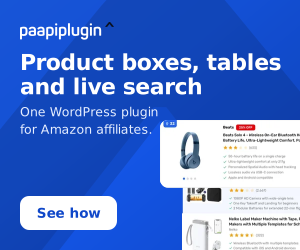
300 x 250 Medium Rectangle
Good for sidebar widgets and mid-article in-content placements.

250 x 250 Square
Good for compact sidebars, in-content callouts, and grid placements where height parity matters.
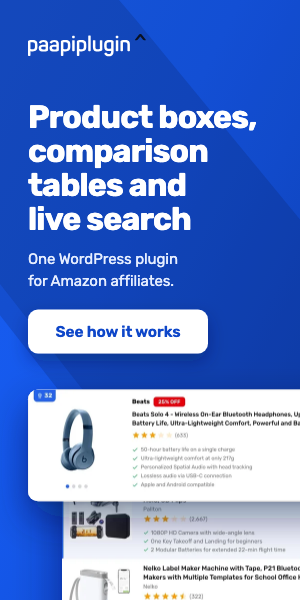
300 x 600 Half Page
Good for high-impact desktop sidebar placements where you have a tall, wide column to fill.
160 x 600 Wide Skyscraper
Good for sticky desktop sidebars where vertical real estate is plentiful and you want the message to follow scroll.
120 x 600 Skyscraper
Good for narrow sidebar columns and tight vertical rails where the wide skyscraper is too wide.

Free plugin

728 x 90 Leaderboard
Good for header banners, between-paragraph in-content placements, and end-of-post recommendations on desktop layouts.




468 x 60 Banner
Good for legacy banner spots and footer slots on older WordPress themes; classic full banner size.




320 x 50 Mobile Leaderboard
Good for a mobile header or sticky bottom bar; a small footprint that still earns attention on phones.



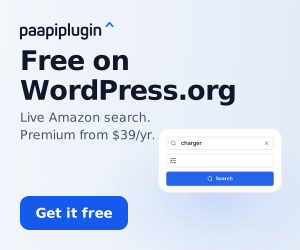
300 x 250 Medium Rectangle
Good for sidebar widgets and mid-article in-content placements.
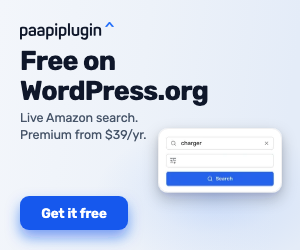

250 x 250 Square
Good for compact sidebars, in-content callouts, and grid placements where height parity matters.

300 x 600 Half Page
Good for high-impact desktop sidebar placements where you have a tall, wide column to fill.

160 x 600 Wide Skyscraper
Good for sticky desktop sidebars where vertical real estate is plentiful and you want the message to follow scroll.



120 x 600 Skyscraper
Good for narrow sidebar columns and tight vertical rails where the wide skyscraper is too wide.



Logos and brand assets
Use these in your content. The logo usage rules are in the programme rules further down this page.

Wordmark SVG (canonical)
Vector format. Use this when you can. Infinite scaling on retina and print, smallest filesize.



Icon PNG (color)
Square mark for favicons, social profile pictures, app tiles, and small spaces. PNG, transparent.

Icon PNG (white-out)
White-out version of the square mark for dark headers, dark social profiles, and dark app tiles. PNG, transparent.

Icon PNG (white-on-transparent)
Square mark for use on dark backgrounds. Chevron stays in brand blue; letterform reads white. PNG, transparent.
Product screenshots
Use these in reviews, tutorials and comparisons. What they show depends on plan and setup: product boxes and comparison tables are add-ons that need Premium, deal countdowns are a Premium feature, and prices and discount badges appear when a site connects its own Amazon credentials. Don't promise those on every install.
Live search on desktop
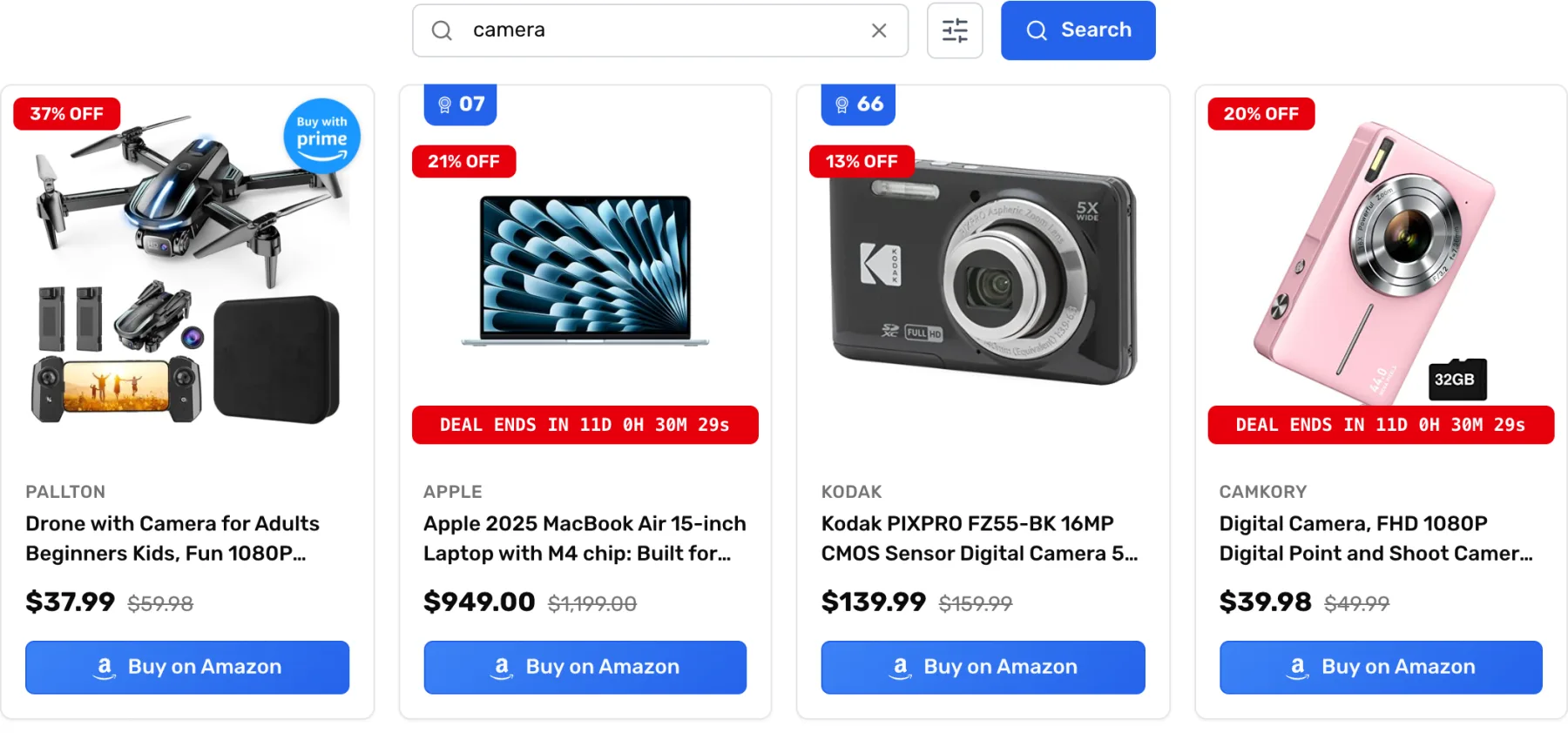
A search for "camera" on our demo, with product cards, prices, discount badges and Buy on Amazon buttons. WebP.
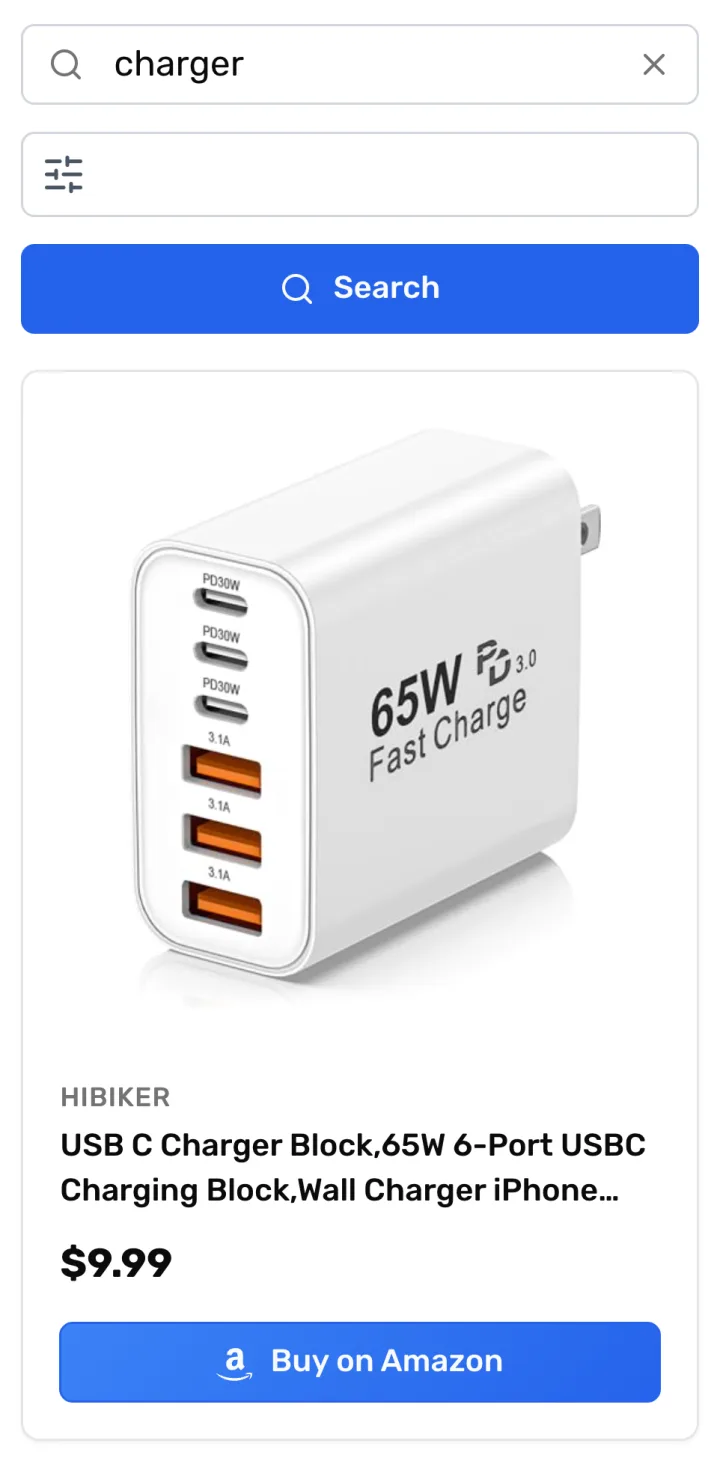
Live search on a phone
Portrait capture of the same search on mobile. Fits vertical video and mobile-first posts. WebP.
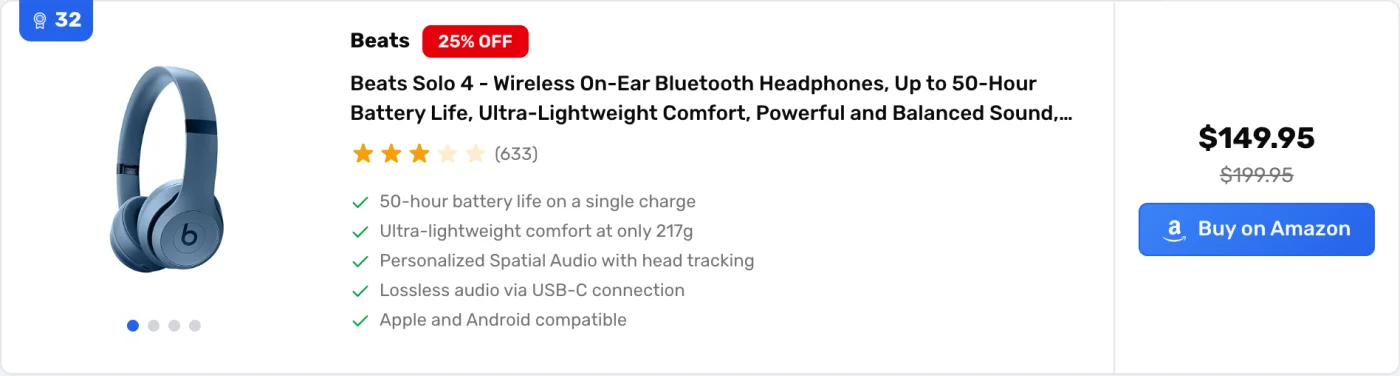
Product box (Product Boxes add-on)
A single-product box with image carousel, rating, feature bullets, price and a Buy on Amazon button. WebP.
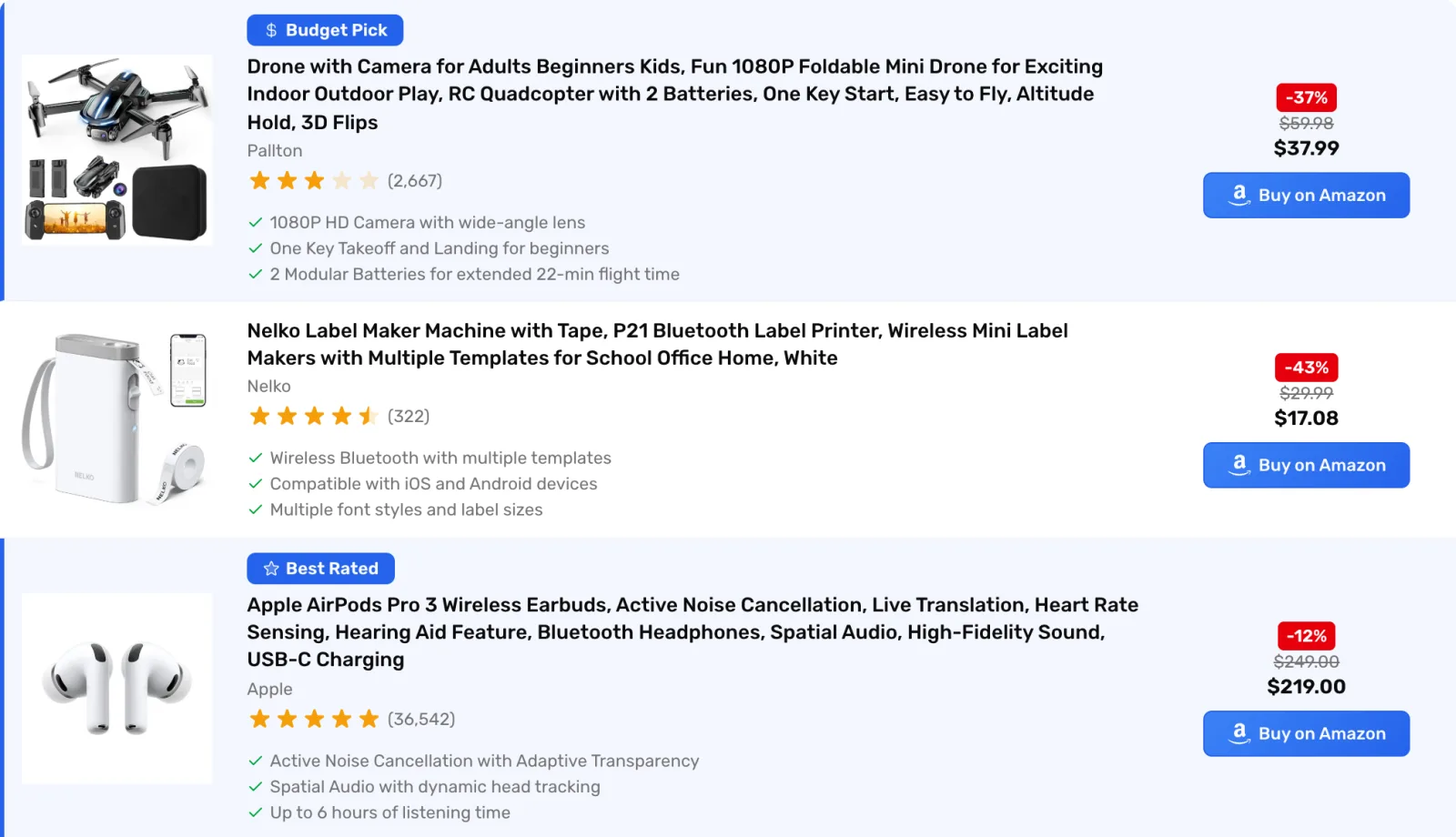
Comparison table (Comparison Tables add-on)
Three products in a list layout, with Budget Pick and Best Rated labels, prices and Buy on Amazon buttons. WebP.

Plugin search-widget screenshot
Clean capture of the live search bar plus the full filter row (All Brands, Price, Relevance, Conditions, Merchants, In Stock, Products, Prices). Drop into reviews, comparisons, and tutorial posts. PNG.
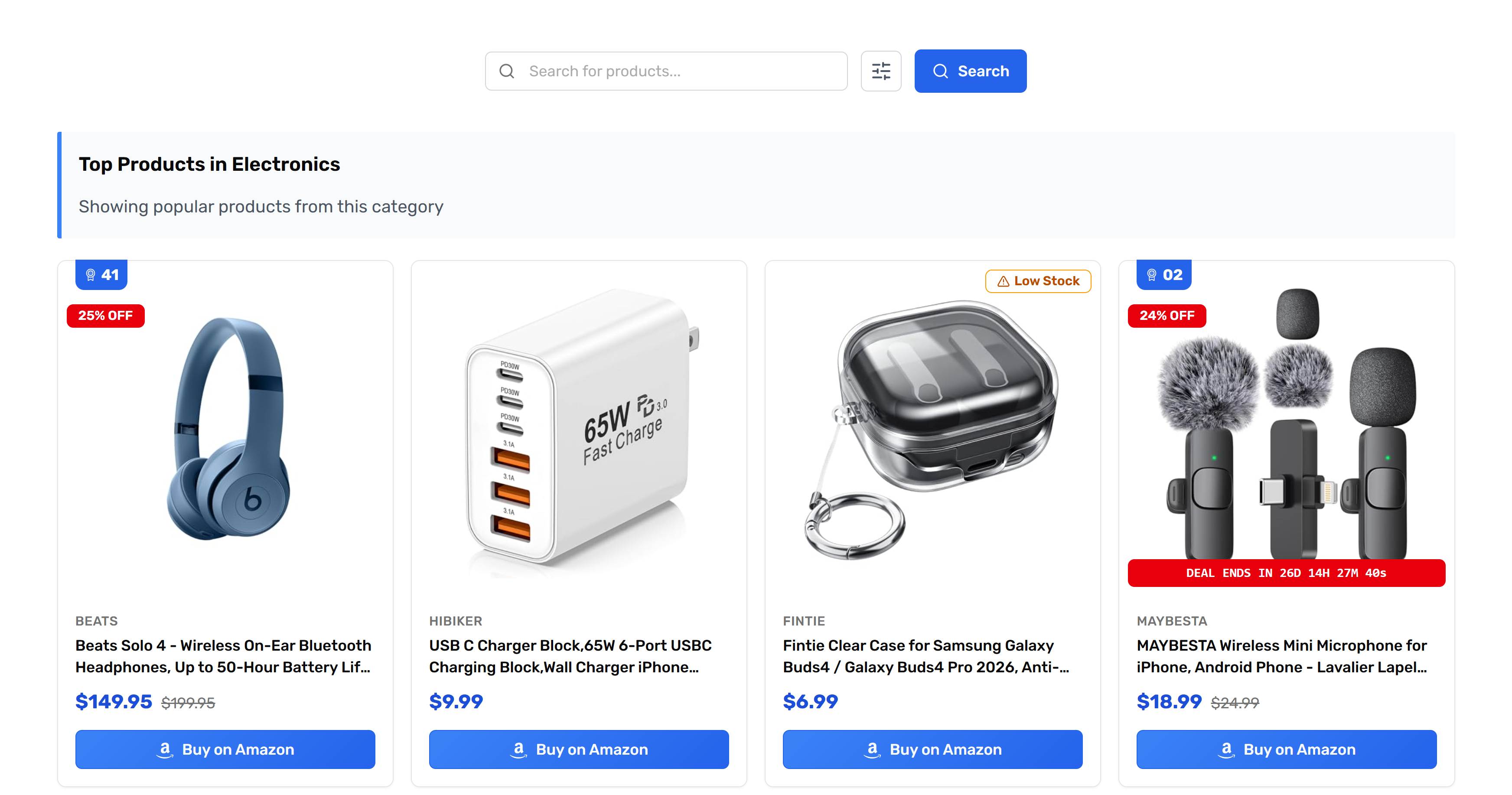
Plugin in-context screenshot
Search widget plus a live Top-Products category page with four product cards (Beats, charger, case, microphone). Use to show publishers what visitors see end-to-end. PNG.
Programme rules
You may use the PaapiPlugin name, wordmark, product screenshots, and demo URL in your promotional content, subject to the rules below.
Where you can promote
- Allowed: editorial content (blog posts, reviews, comparisons, tutorials, listicles), email to your own opt-in list, organic social posts, YouTube videos, podcasts, comparison pages, and free or paid newsletters.
- Not allowed: self-referrals, coupon and cashback sites, loyalty or rebate sites, browser toolbars, and incentivized installs.
Paid search, trademarks and domains
- Do not bid on PaapiPlugin trademark or brand keywords in any paid search campaign. Brand bidding (PaapiPlugin, paapi plugin, paapi product search, brand-plus-modifier, common misspellings) is prohibited and earns no commission.
- Generic / non-brand PPC requires written approval before any paid campaign goes live.
- Do not register or use domain names containing "PaapiPlugin", "Paapi", "PSFA", "Paapi Product Search", or any common misspelling or variation.
Disclosure
- All promotional content must include clear affiliate disclosure that complies with FTC, ASA, and equivalent laws in your jurisdiction.
- AI-generated content that mentions or links to PaapiPlugin must include clear AI disclosure on every page.
A practical reminder: tell your audience you earn a commission if they buy through your link, and put that note next to the link. In a video, mention it in the video itself, out loud or on screen, as well as in the description. On YouTube, tick the paid promotion box in the video's settings when it applies. This is a general reminder, not legal advice, so check the rules where you live.
Approved brand names
- PaapiPlugin (preferred, one word, capital P and P)
- PaapiPlugin - Amazon Affiliate Product Boxes, Tables and Search (full product name)
Do not write "Paapi Plugin" (two words), "paapi plugin" (lowercase), "PAAPI Plugin" (all caps), or any other variation.
Wordmark and logo usage
- Use only the official wordmark and logo files provided in the brand assets section above.
- Do not modify, recolor, stretch, rotate, add effects to, or otherwise alter the wordmark or logo.
- Maintain clear space around the wordmark equal to the height of the lowercase letters.
- Do not place the wordmark on a busy background that reduces legibility.
- Do not combine the wordmark with your own logo in a way that suggests a co-branded product or official partnership beyond the standard affiliate relationship.
Product screenshots
- Screenshots of the live PaapiPlugin search widget, admin pages, and the demo at paapiplugin.com/demo/ may be used freely in reviews, comparisons, tutorials, and promotional content.
- Do not edit screenshots in a way that misrepresents product features, pricing, or appearance.
- Do not crop screenshots to remove the PaapiPlugin attribution where it appears in the UI.
Words and claims
- Lead with the affiliate-side benefit: product boxes, comparison tables and live Amazon search on the publisher's own site, with every click tagged with the publisher's Associate ID.
- Do not describe PaapiPlugin as only a search plugin. It also does product boxes and comparison tables through its add-ons.
- Specific over vague: "5 categories, 5 pages of results, infinite scroll, autocomplete" beats "powerful features".
- Do not use the words "scraping", "Amazon clone", "Amazon copy", "automated" (implies bot-like), "passive income", "get rich", "hack", or "trick" in any PaapiPlugin-promoting content.
- Do not invent superlatives such as "fastest", "best in class", or "the only solution".
- Do not invent numbers. No earnings, conversion or customer figures unless they come from your own site.
Pricing claims (must be accurate)
- Free version on WordPress.org is fully functional, not a trial.
- Premium is $39/year for 1 site, $69/year for 3 sites, or $99/year for unlimited sites. Year-to-year subscription, cancel anytime.
- Three optional addons (Product Boxes, Comparison Tables, Analytics) are $19/year each, sold separately, and each requires an active Premium subscription as a parent.
- Do not write that Premium "includes addons" or "unlocks addons". Premium does not bundle addons; addons are separate purchases gated on Premium.
Refund policy (verbatim wording required)
When referencing the refund policy, use the verbatim wording from our terms and conditions:
"We offer a 7-day money-back guarantee: if the plugin is unusable and we are unable to resolve the issue within 7 days of your purchase, we will refund you in full."
Do not describe the refund policy in your own words. Quote the sentence above exactly. The full source is at paapiplugin.com/terms-and-conditions/.
Brand asset requests
For additional brand assets, custom banner sizes, or co-marketing approval, contact support@paapiplugin.com.
Contact
Programme questions: support@paapiplugin.com
Founder direct: nate@paapiplugin.com
Response time: 3 business days
For brand asset requests, custom banner sizes, or co-marketing approval, email support@paapiplugin.com.